Home
Boids Demo
Nov. 2024
Boids demo from 1998 running on D3D9
 The 1998 version of MSDN shipped with a number of demos that showed off the capabilities of Direct3D.
One of those demos that caught my attention was the Boids demo. To my surprise, it actually compiled and ran on a modern machine.
Years later, I decided to try and port the demo to D3D9 and D3D8 as a challenge. The bulk of the code is the same, save for the rendering calls which I mostly wrote simple wrappers for.
Looking back, the old way that DirectDraw and Direct3D were initialized was quite arcane.
I'm glad things got simpler starting with Direct3D8.
Shader Inspector
Nov. 2024
Inspired by AMD's GPU Shader Analyzer
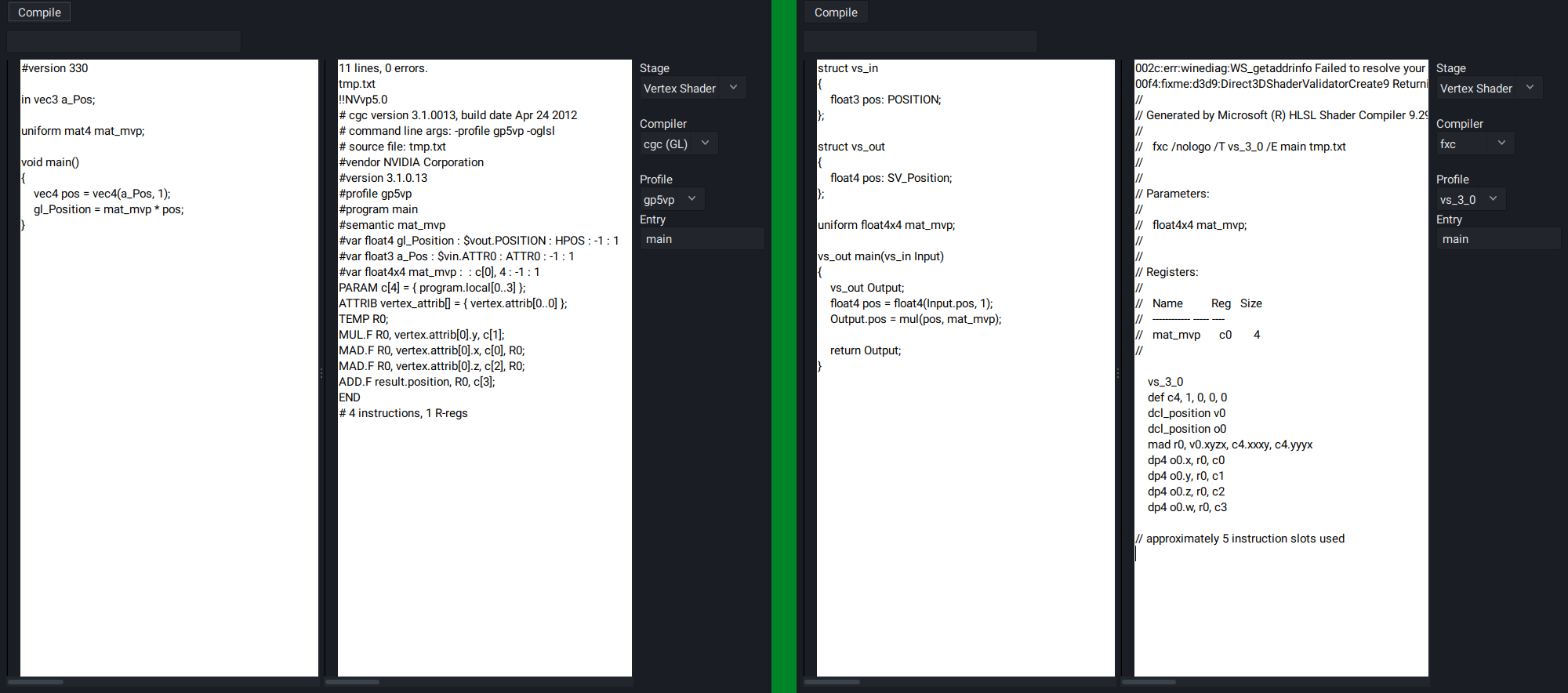
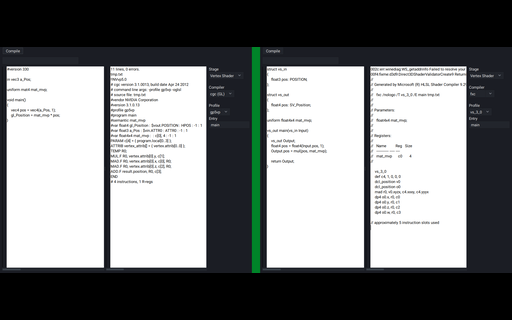 I learned GLSL before HLSL. After learning HLSL first starting with DX9, then DX11, I became much more aware of how the code I wrote would be translated into (psuedo) GPU instructions. By default, the GLSL compiler is built into the drivers of the respective graphics vendors, and there was no way to easily inspect the assembly output produced by the shader compiler.
I had then found that NVidia has a (now deprecated) tool called cgc, which was their solution for a cross-API shader compiler that works up to SM5 (GLSL4.2 or DX11). Using GLSL, it was able to produce ARB assembly output. Being able to test shaders out on the fly was something that I wanted to have, so I set out on writing a GUI tool that would display the assembly of compiled GLSL shaders.
It works by passing the source code in the left edit box to the given shader compiler, and displays the output in the right edit box.
It's possible to select from a number of shader models (depending on the compiler).
The tool was then expanded to support HLSL on Linux by using Wine and installing the DirectX SDK to run the fxc shader compiler.
Unfortunately, cgc does not support #version430 shaders that use the shader storage buffer object extension, so some manual manipulation is required to change SSBO objects into Uniform Buffer objects for the sake of getting the shader to compile. However, versions #110 to #420 work great, and a number of extensions are also supported.
Since writing this tool, I developed a much better understanding of what my GLSL shaders were actually doing.
As a side note, at least as of 2026, it's possible to obtain ARB assembly output from shaders on NVidia cards by using the following sequence of code.
GLsizei length;
GLsizei binary_format;
int i;
unsigned char *binary_buffer;
glGetProgramiv(program, GL_PROGRAM_BINARY_LENGTH, &length);
binary_buffer = malloc(length);
glGetProgramBinary(program, length, &length, &binary_format, binary_buffer);
for(i = 0; i < length; i++)
{
int ch = binary_buffer[i];
if(isgraph(ch) || isspace(ch))
{
putchar(ch);
}
}
This outputs the assembly of the entire program. If a shader consisted of a vertex and fragment shader, you would get both.
The solution is not perfect, as there are occasionally some junk characters, but it's good enough to get an idea of what's going on in your shaders.
Quake 2 BSP Renderer
Nov. 2024
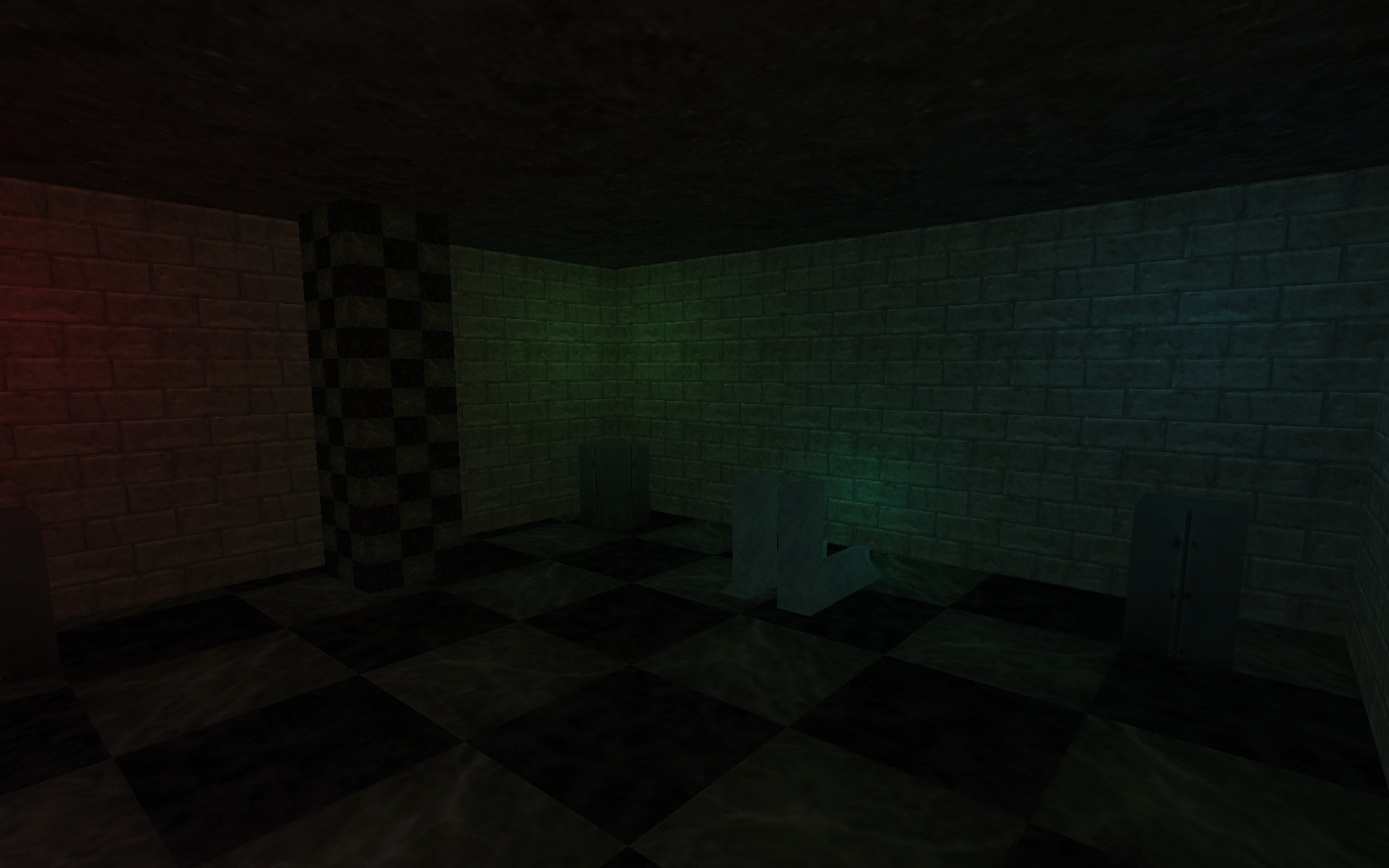
Lightmapper and renderer for the Quake 2 BSP format. Level designed in Trenchbroom. The textures are from Half-Life
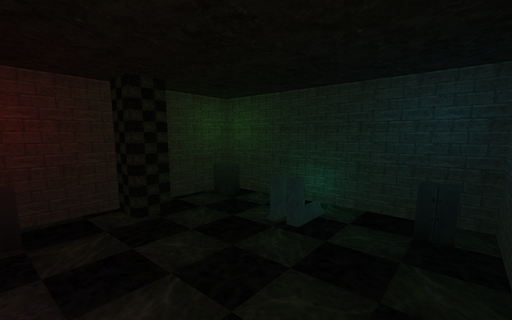 In recent times, I have found myself really appreciating the look of lightmapped games, or rather, games which primarily rely in lightmapping as their means of illumination. For lack of a better description, there is something rather cozy and comforting about the effect that this approach produces. Many games today (2026) still use lightmaps as part of their lighting, but they are just one of many, many different techniques applied to produce the final scene. Things used to be simpler :)
The actual technique has eluded me for a number of years, but I had gathered enough information from various articles to attempt this in my own code.
Originally, I had intended to create a dungeon-crawler style game using Trenchbroom and the Quake II map format, but the lighting turned out to be far more difficult than I had anticipated. The initial effort wasn't too bad, and after making quite a lot of progress, I got stuck at shadows, and BSP collision detection respectively, and my motivation to continue slowly dwindled. Even so, I learned a lot doing this, and used some of what I learned in subsequent projects.
Some favourites of mine in no particular order:
* Half-Life I
* Unreal
* Arx Fatalis
* Dungeon Siege I
* Gothic I
References I used:
https://www.flipcode.com/archives/Light_Mapping_Theory_and_Implementation.shtml
https://www.flipcode.com/archives/Lightmaps_Static_Shadowmaps.shtml
http://polygone.flipcode.com/tut_lightmap.htm
* Original link to polygone.flipcode is broken, the link redirects to the wayback machine.
Environment Mapped Teapot
Nov. 2024
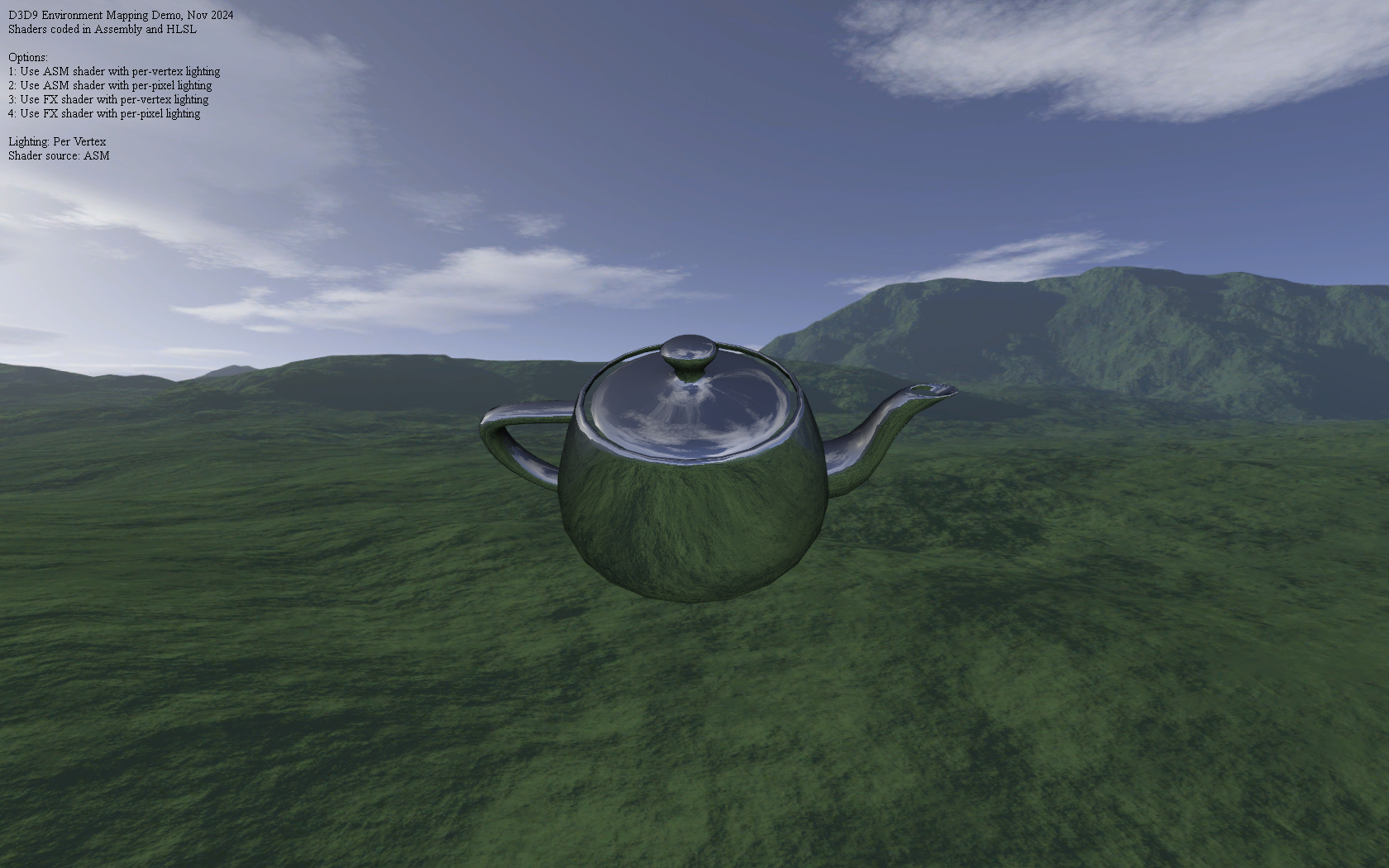
All shaders were written in vs_2_0 and ps_2_0 assembly, then ported to HLSL
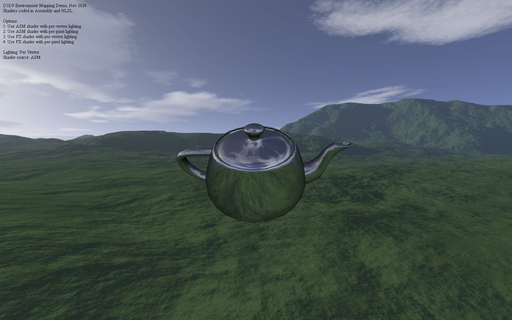 After scanning through the ShaderX and ShaderX2 books, I was quite surpised to see just how many of the shaders were implemented in pure D3D assembly. Although, it is not entirely unexpected given that, just as many computer programs were once written in assembly language for performance reasons before C compilers became good enough to (mostly) replace assembly, so too, were shader writers going through a similar process with shader compilers.
Given that by the time I started writing shaders, GLSL and HLSL were already very well established, I could not see myself writing anything too complex, but the books did inspire me to at least try implementing some minimal effects such as environment mapping and basic directional lighting in shader assembly.
These days, shader compilers are quite good at certain optimizations, and in particular, dead-code elimination, but it was a fun journey to go back to the older way of doing things, even if it was for a simple demo.
DXBC Disassembler
Nov. 2024
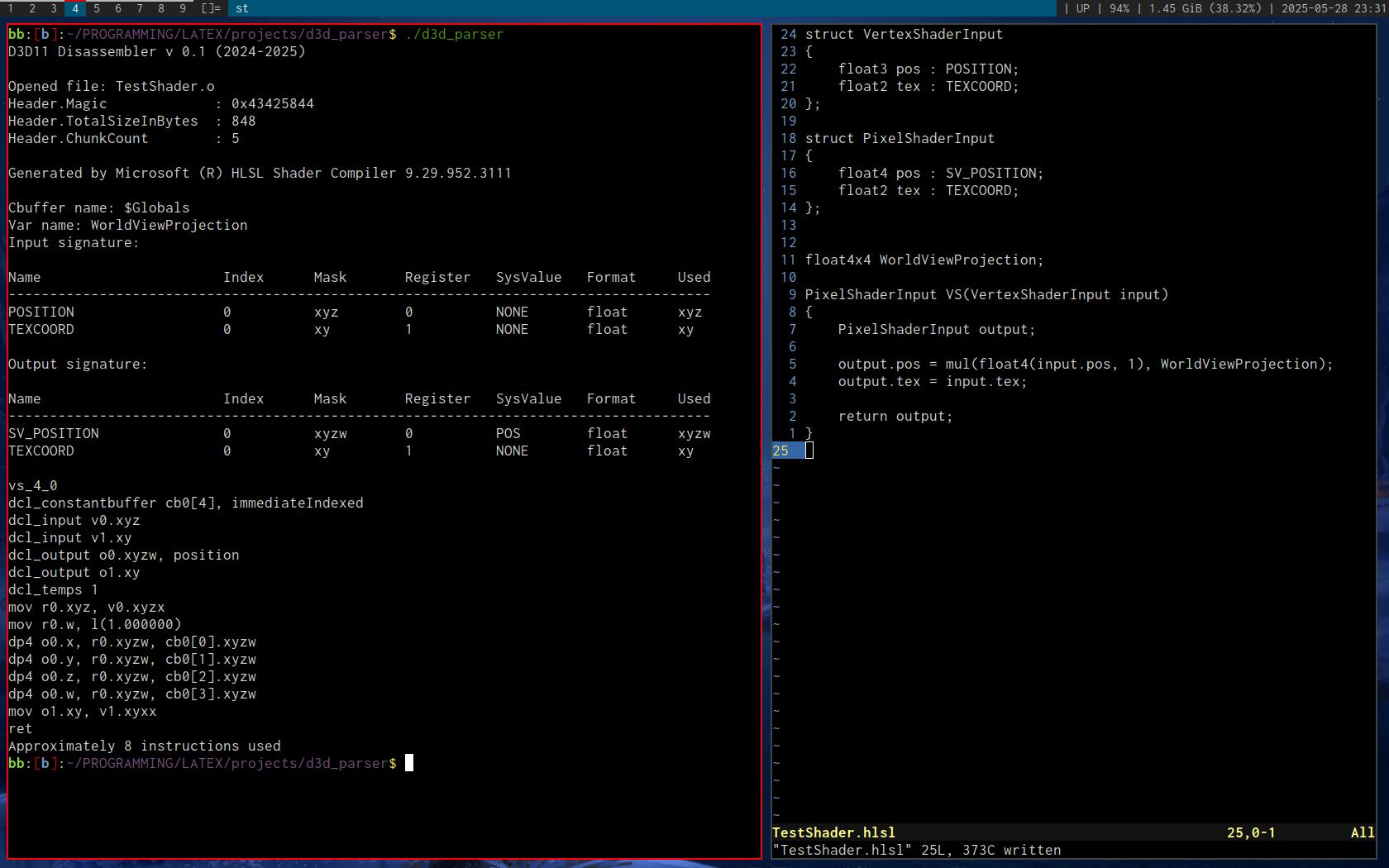
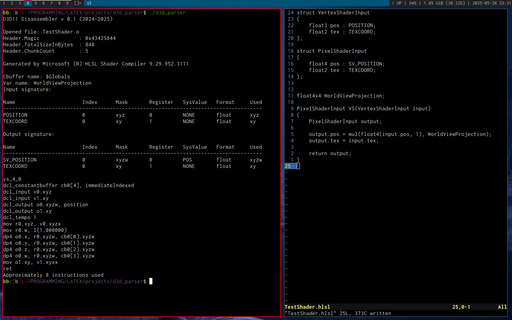
Based on this D3D bytecode article by Tim Jones
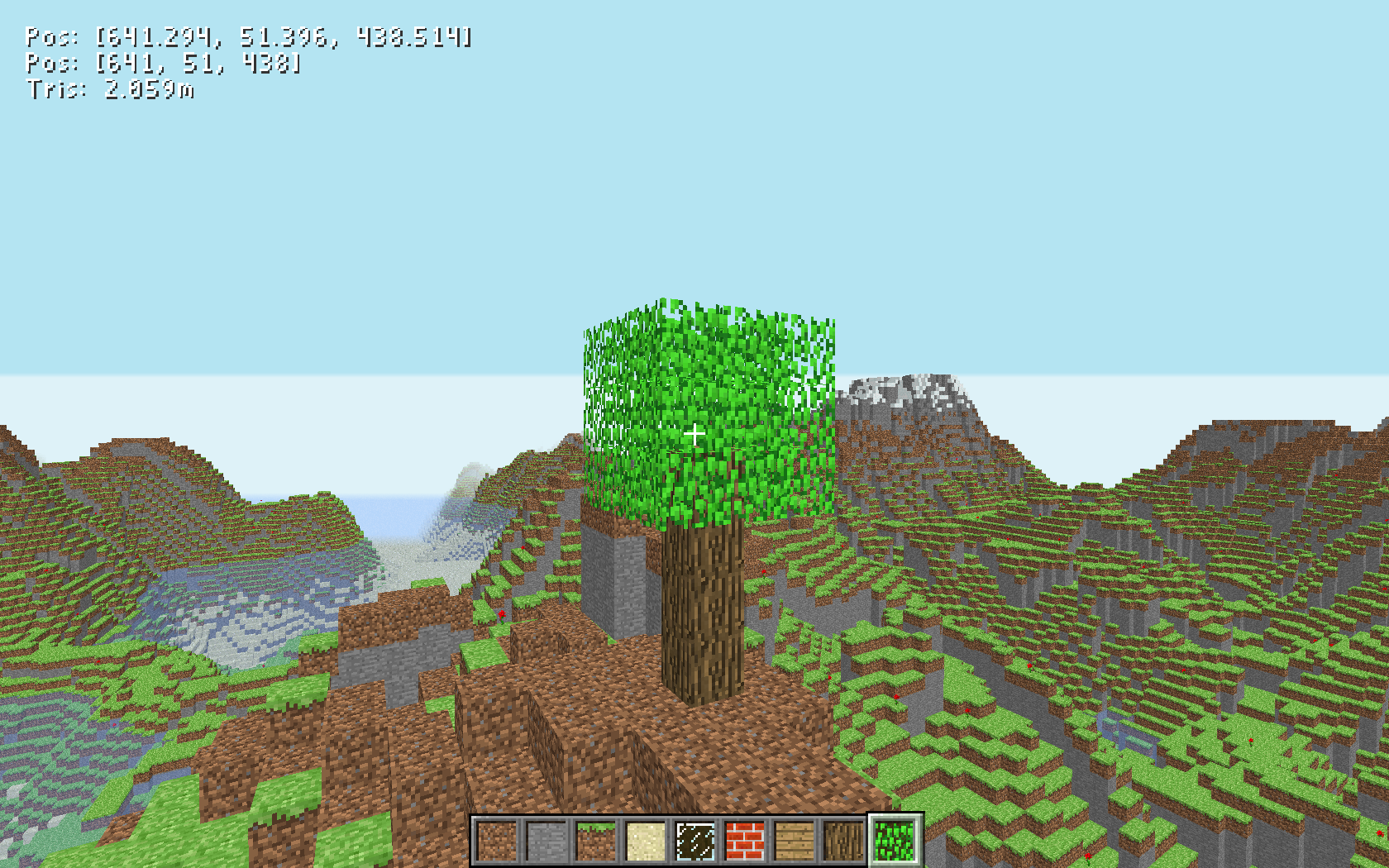
Minecraft Clone
Oct. 2024
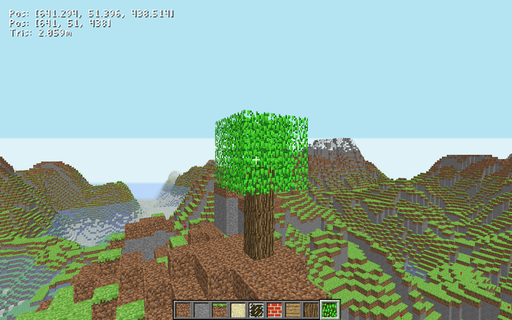
Inspired by this video on Minecraft by Coder Space
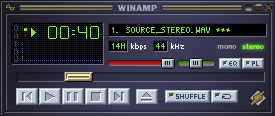
Winamp Clone
Aug. 2024
Heavily inspired by Ryan C. Gordon's sdlamp playlist
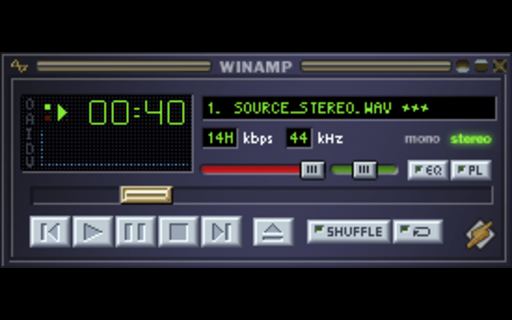 In 2022, Ryan C. Gordon (known as one of the developers working on SDL, among many other things) published a series of videos in which he developed a Winamp style media player using nothing but SDL and a few auxillary libraries.
After having my own go at several very primitive audio players, this series was the one that inspired me to try something similar.
I also chose C as the development language, which posed some interesting challenges. After the interface got sufficiently complicated enough, I saw no way out other than to implement my own GUI library for buttons and sliders. Effectively this was an OO approach without the C++ class heirarchy or inheritance. Well, there was a form of inheritance, it was just explicit. For example, a slider could contain a button struct. This was the first time I implemented a properly working GUI library, and it nice writing everything from scratch and not having to abide by the whims of another GUI toolkit.
I deviated a little from the original design and went with OpenGL as the renderer, which gave me more freedom to draw other primitive types, such as the waveform below the main display.
I also added SDL_sound and physfs, both by Ryan C. Gordon.
SDL_sound can open and play many different audio formats, whereas physfs adds support for opening various archive formats and creating a single virtual filesystem in RAM out of them. In the case of this project, I used it to open Winamp skin files, which are just zip files.
After finishing the bulk of the work for the main program, there was still the question of adding more windows, such as the playlist window.
SDL does support multiple windows that you can distinguish by using SDL_GetWindowID(), and most events have a windowID member that corresponds to this value.
I had the idea of emulating the Windows operating system in a way - Create multiple windows, and by their window ID, call a designated window procedure for each window, which would in turn serve as its message loop. As an API, SDL only has one event loop, so the events would need be forwarded to each window manually.
I wrote this bit of abstraction and it actually worked exactly the way I intended it to, but unfortunately burnout got the better of me and I stopped most work on the project at this point. I think the primary culprit was the headache that was managing multiple OpenGL contexts for multiple windows.
Knowing what I know now, I would probably write some sort of command list API to queue up rendering commands, and then consolidate them on the main thread and render each window in sequence.
That said, a decent numbers of features have been implemented in this base version, and it can certainly work as a reliable single-track audio player.
PS: I highly recommend watching the first few videos of Ryan's media player playlist if you're new to SDL. There's lots to learn. Even if you're a seasoned user, the videos are well made and enjoyable.
Video Player
Jul. 2024
Inspired by Joel Yliluoma's video on Bink decoding. This player supports all formats supported by ffmpeg/libavcodec
 A lot of games from the late 90s to early 2000s used the Bink video format developed by RAD Game Tools.
This is quite a nostalgic format to me for whatever reason, most likely because quite a few games I've played used this format for their introduction and cutscene cinematics, and it was very characteristic for being used to play back pre-rendered 3D animations with a very particular look and feeling to them.
One day I had the urge to learn how to play this format back. Thankfully, Bisqwit had a video on this topic that can be found here: Decoding a BINK video using libavcodec (remastered).
I used C++ and libavcodec (which is used by FFmpeg) to decode the video and audio streams, and played them using OpenGL for the video stream, and SDL2's audio API for the audio stream.
At first, I just had the video stream being decoded, and it was only able to play back Bink files. Eventually, I expanded this to play back more formats that libavcodec has built-in support for. I then added support for sound playback by opening a second stream dedicated for audio. The result is a general-purpose video player. One thing to note is that it's using CPU decoding only, so the maximum watchable video resolution (without stutters) will depend on the CPU speed. On a 3.1 GHz CPU, a 1920x1080 video is just about watchable, with occasional stutters.
There is one unfortunate bug however. For all formats except Bink and Smacker (another format by RAD Game Tools), there is a ~2 second delay between the video and audio, and to this day, I have no idea why. It's a bug I've left in for the time being, seeing as I don't intend to release this player to the public.
Vulkan/GL Comparison
Jun. 2024
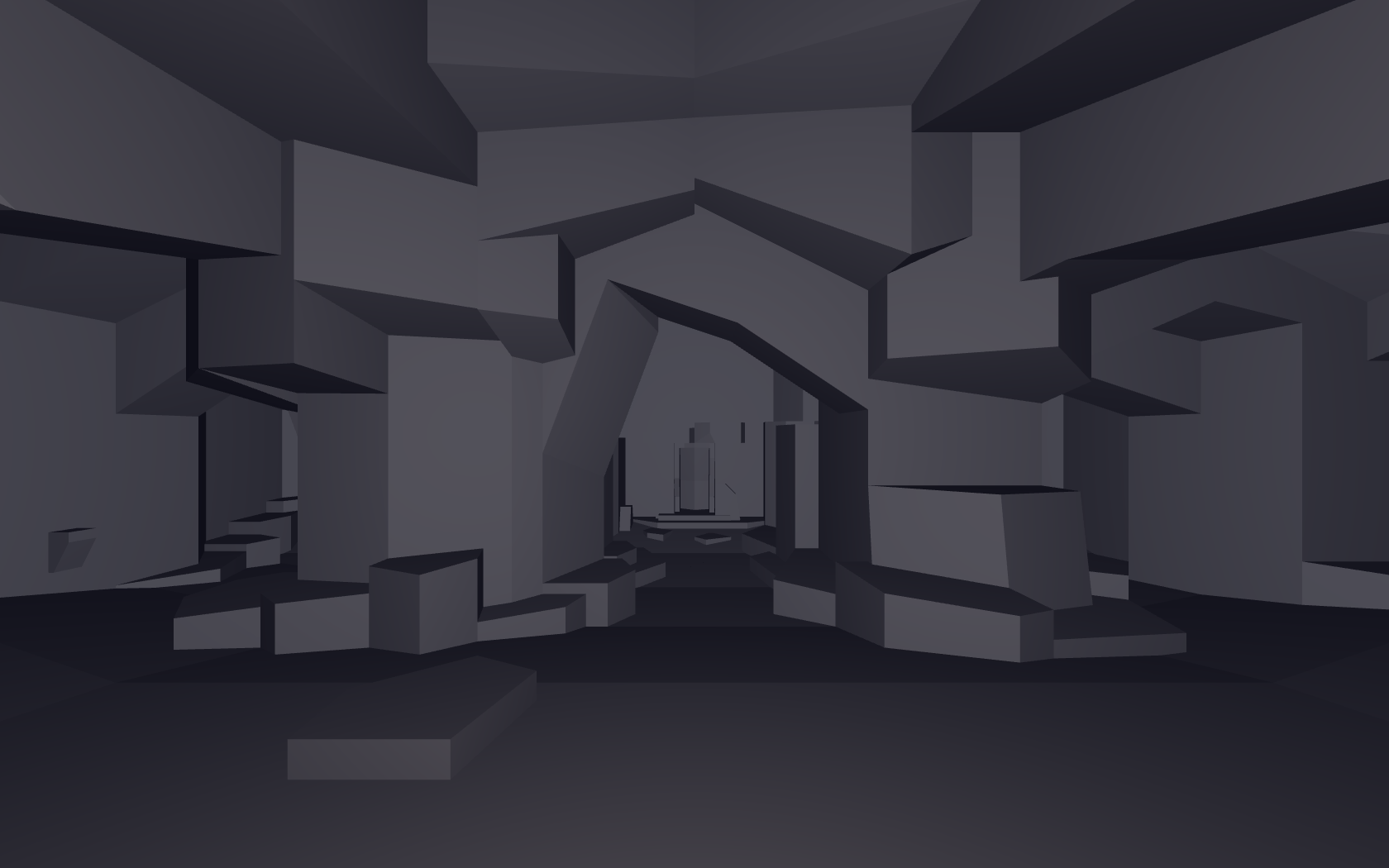
ad_mountain.bsp from the Arcane Dimensions map pack
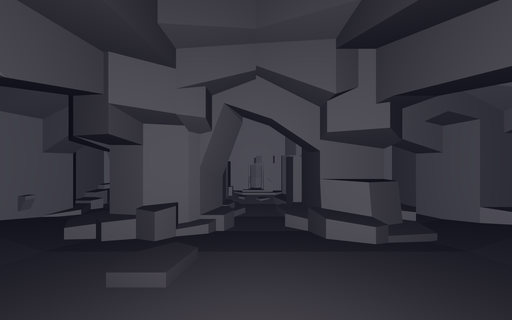 Vulkan is often regarded as having superior performance over OpenGL. I wanted to test this for myself, so I wrote a program that renders exactly the same geometry, in exactly the same way, and uses the same shaders.
I used Quake levels as the test geometry, and simple flat shaded lighting with a single point light at the player's location, and a directional light based on the player position.
The plan was to make a common API between Vulkan and OpenGL so that logically they behaved in the same way. Then it was just a matter of implementing that API.
The rendering requirements here were quite simple, just a single glDrawElements / vkCmdDrawIndexed call that renders the entire level.
After doing all of the necessary work, I was surprised to find pretty much no percievable difference between the two APIs. Most likely, it was because I'm was not spending a lot of time in the driver, and the overhead is very minimal in either case.
So the takeaway is the following:
If you're writing a game that does not demand high performance rendering, OpenGL is more than sufficient.
When performance does come up, using OpenGL 4.5 features such as indirect rendering and storage buffers allows the programmer to make those optimizations where needed.
Combine that with DSA and bindless textures, and suddenly writing GL code is a lot more pleasant.
I think for simpler renderers, OpenGL is still the way to go. There is the matter of multithreading, which I still haven't tried with Vulkan. That could potentially be one area where things are a lot easier.
I am also sure that Vulkan can outperform OpenGL in certain workloads given equal attention to optimizing both code paths.
I just haven't had those performance bottlenecks come up in my own programming yet.
Regarding the more advanced comparisons that one may find on the web, related to my point above, it is often not very clear how much effort was actually spent making the usage of either API performant. I think that could be something worth investigating as well one day.
Below are the line counts for both implementations (including comments and whitespace)
Line counts obtained with wc -l
Total OpenGL lines (Window creation (GLFW) + renderer)
244 r_gl.cpp
244 total
Total Vulkan lines (Window creation (SDL / GLFW) + boilerplate + renderer)
573 r_vk.cpp
1706 vklib.c
247 vklib.h
2526 total
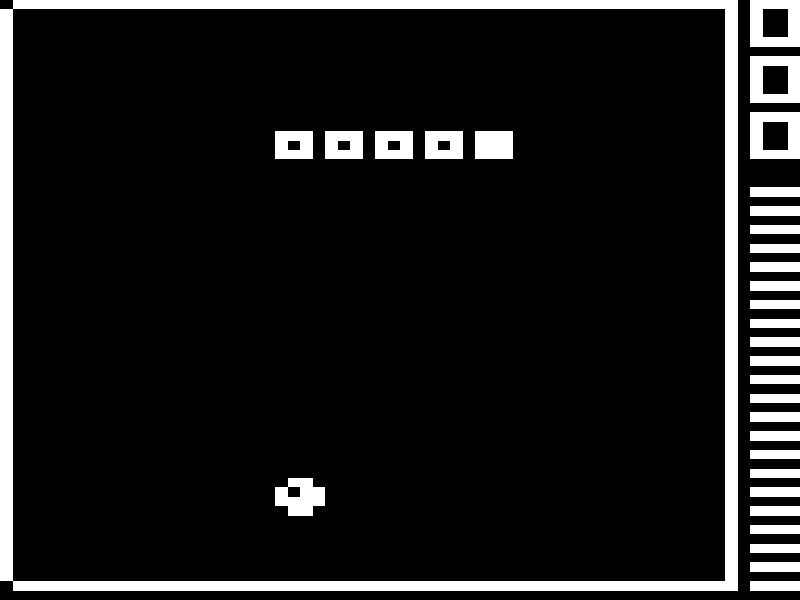
Chip-8 Emulator
Mar. 2024
SuperWorm V4 by Revival Studios
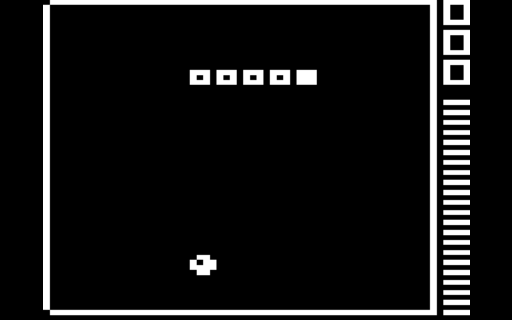 This initially started out as a challenge by one of my good friends, who at the time had recently implemented their own version of this emulator.
I had found two references (one provided by my friend) that documented the instruction set and features of this programming language:
* Cowgod's Chip-8 Technical Reference
* Guide to making a CHIP-8 emulator - Tobias V. Langhoff
The first thing that jumped out at me was that it was a big-endian instruction set. That is, the most significant byte of a multi-byte instruction is stored first in memory. Since most desktop CPU architectures are little-endian these days (2026), this required some bit manipulation to get things in the right order.
The naive thing to do would be to byte swap every two bytes. I had not tried this, but I am not certain that it would work, since code and data are shared in this language, and I am not sure if things would work out properly.
So, I ended up doing the byte / bit swaps during instruction decoding.
Before anything else, let's see the kind of data we're expecting (taken from Cowgod's page):
* Instruction: 2 bytes each.
* nnn or addr - A 12-bit value, the lowest 12 bits of the instruction
* n or nibble - A 4-bit value, the lowest 4 bits of the instruction
* x - A 4-bit value, the lower 4 bits of the high byte of the instruction
* y - A 4-bit value, the upper 4 bits of the low byte of the instruction
* kk or byte - An 8-bit value, the lowest 8 bits of the instruction
For the more visually inclined, here is a diagram I made for this writeup. I tried explaining it in text and code first, but this seems a lot clearer to me. In hindsight, I would have saved myself a lot of trouble if I had drawn out something like this at the time of development.
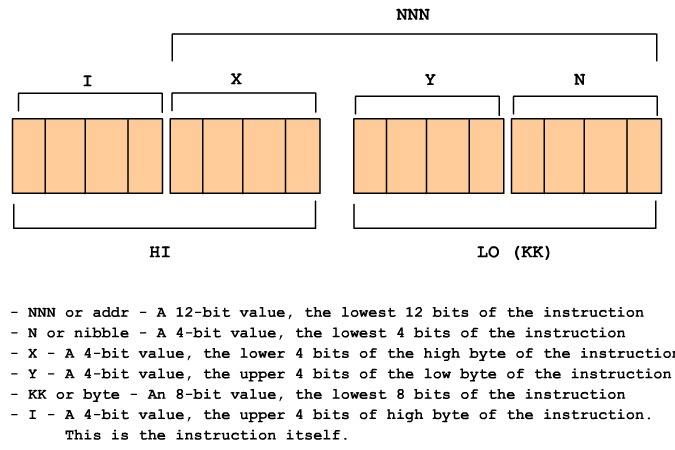
I hope that the the diagram is clear enough for anyone wishing to implement this emulator themselves.
On the code side of things, it gets a little more confusing, because we're reading a big-endian stream on a little-endian CPU.
Below, I will include the instruction decoding code that I used for this emulator. It may be counter intuitive, since I stored things in reverse order and probably did some unnecesary work.
// Note: Little-endian structure byte order at runtime.
struct instruction
{
union
{
struct
{
u8 lo;
u8 hi;
};
u16 whole;
};
};
instruction inst = fetch_from_ram(pc);
pc += 2;
// We're on a little endian-cpu, so lo and hi are reversed. I know it's very confusing, but I made some strange choices at the time of development...
I = ((inst.lo >> 4) & 0xF);
X = ((inst.lo >> 0) & 0xF);
Y = ((inst.hi >> 4) & 0xF);
N = ((inst.hi >> 0) & 0xF);
KK = inst.hi;
NNN = bswap_16(inst.whole) & 0xFFF;
Using these values, we can now execute the instruction and simulate the machine.
For the time being, I have left describing the display and input handling portion of this emulator, although it is implemented in the program itself.
Raytracing Weekend
Mar. 2024
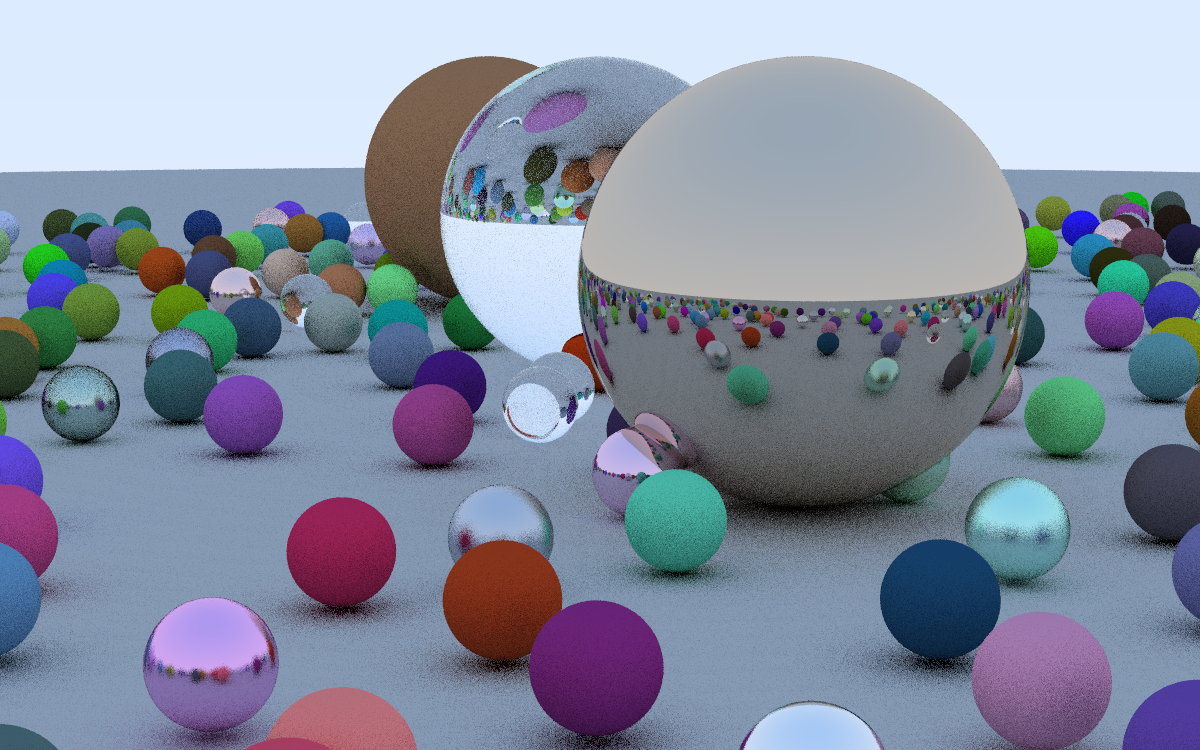
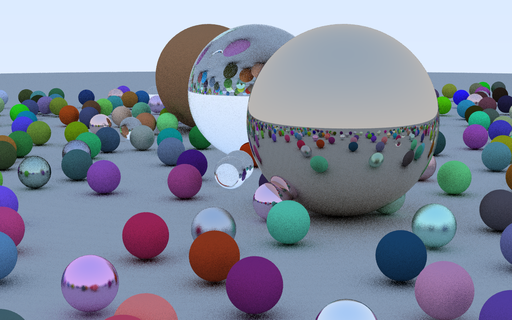
Raytracing in One Weekend by Peter Shirley
Skeletal Animation
Jan. 2024
Based on Etay Meiri's OpenGL skinning tutorials
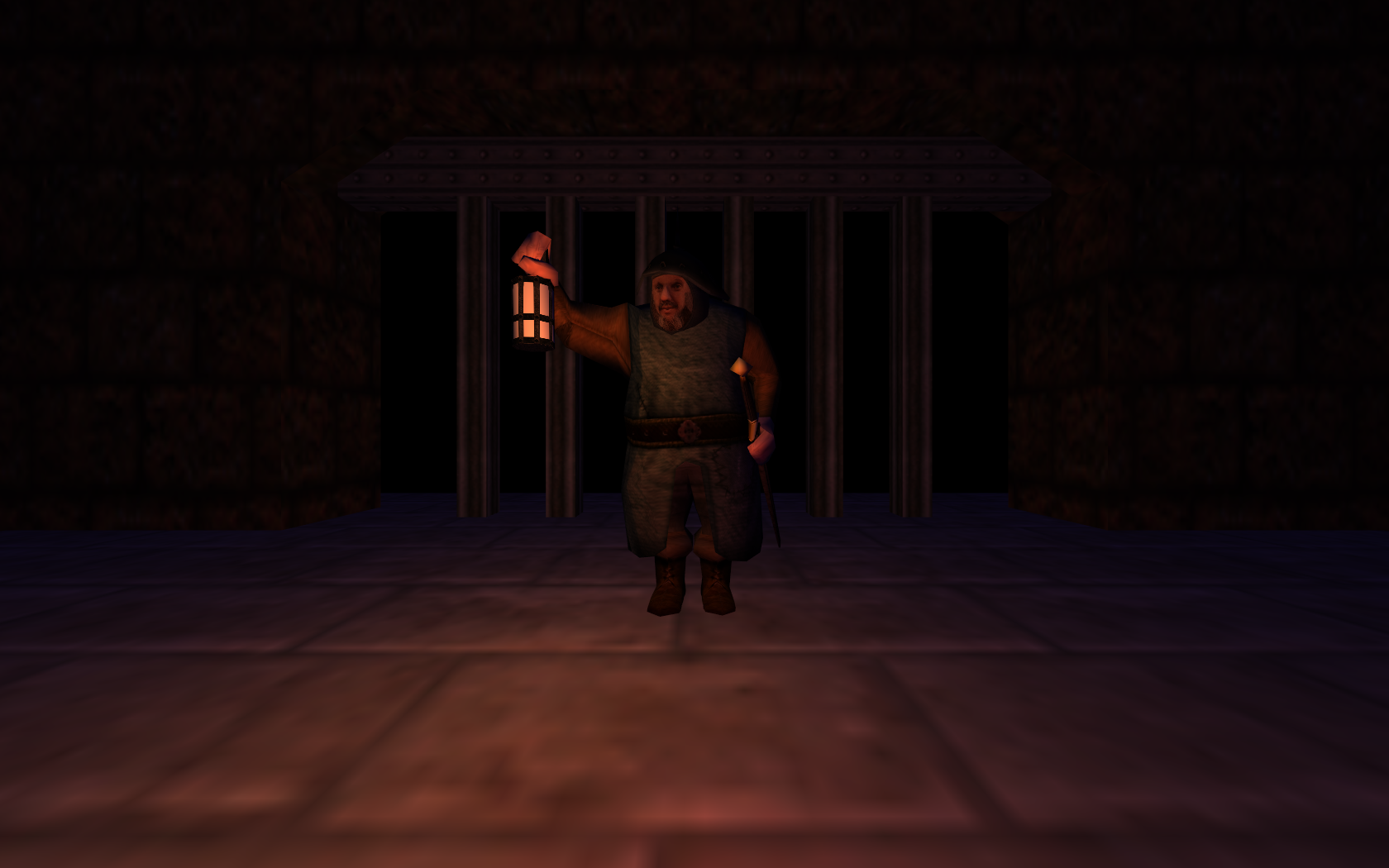
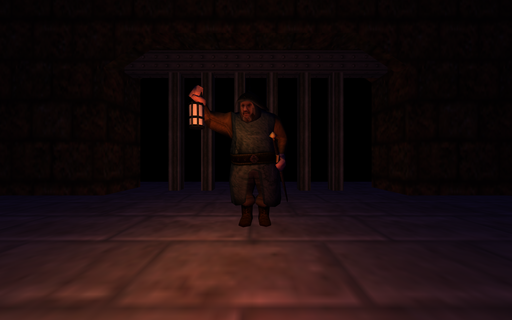 An example of rendering a 3D model that uses skeletal animation. The program is based on Etay Meiri's OpenGL skinning tutorials.
Done in C++ using OpenGL and SDL2.
I also built a small level using Trenchbroom. I used to play Everquest at some point, and the design is intended to resemble many of the castle gates featured in the game. I was going to have a ramp behind the gate leading down to some sort of dragon lair, but never got around to modeling it.
The Assimp library was used to load the model and the level.
Back to top