Home
Quake II Port
Jul. 2025
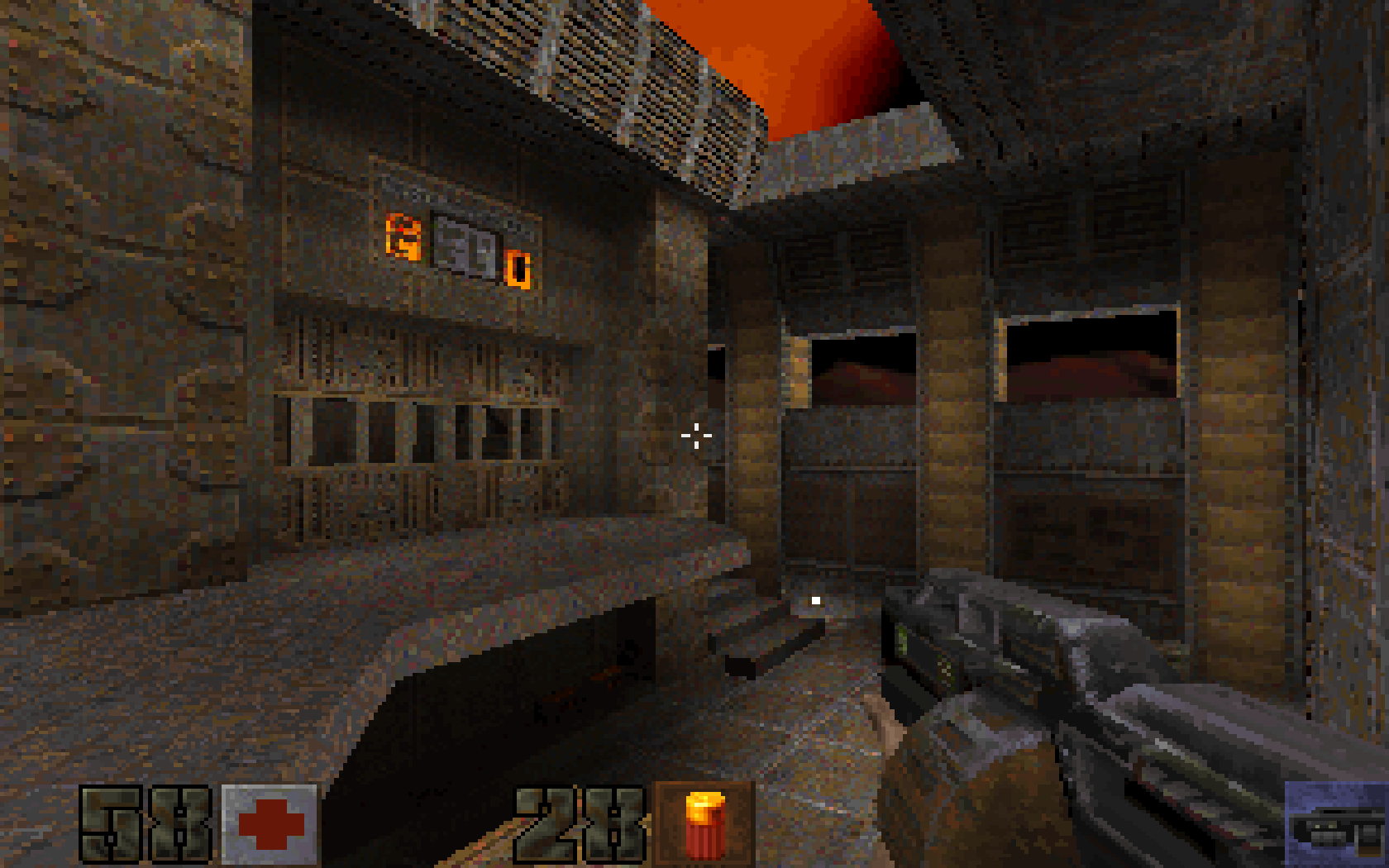
Port of Quake II, originally by id Software
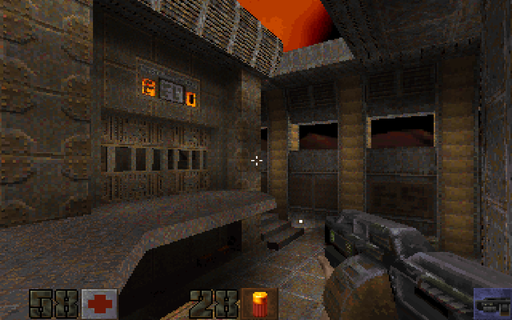 Windows and Linux port of id Software's Quake 2.
* SDL2 backend
* Supports Software, GL, and Kolorsoft renderers.
* Supports both official expansion packs: The Reckoning and Ground Zero.
* Has game controller support via SDL_gamecontroller.
* Full support for audio and soundtrack playback in .ogg, .mp3, .flac, and .wav formats.
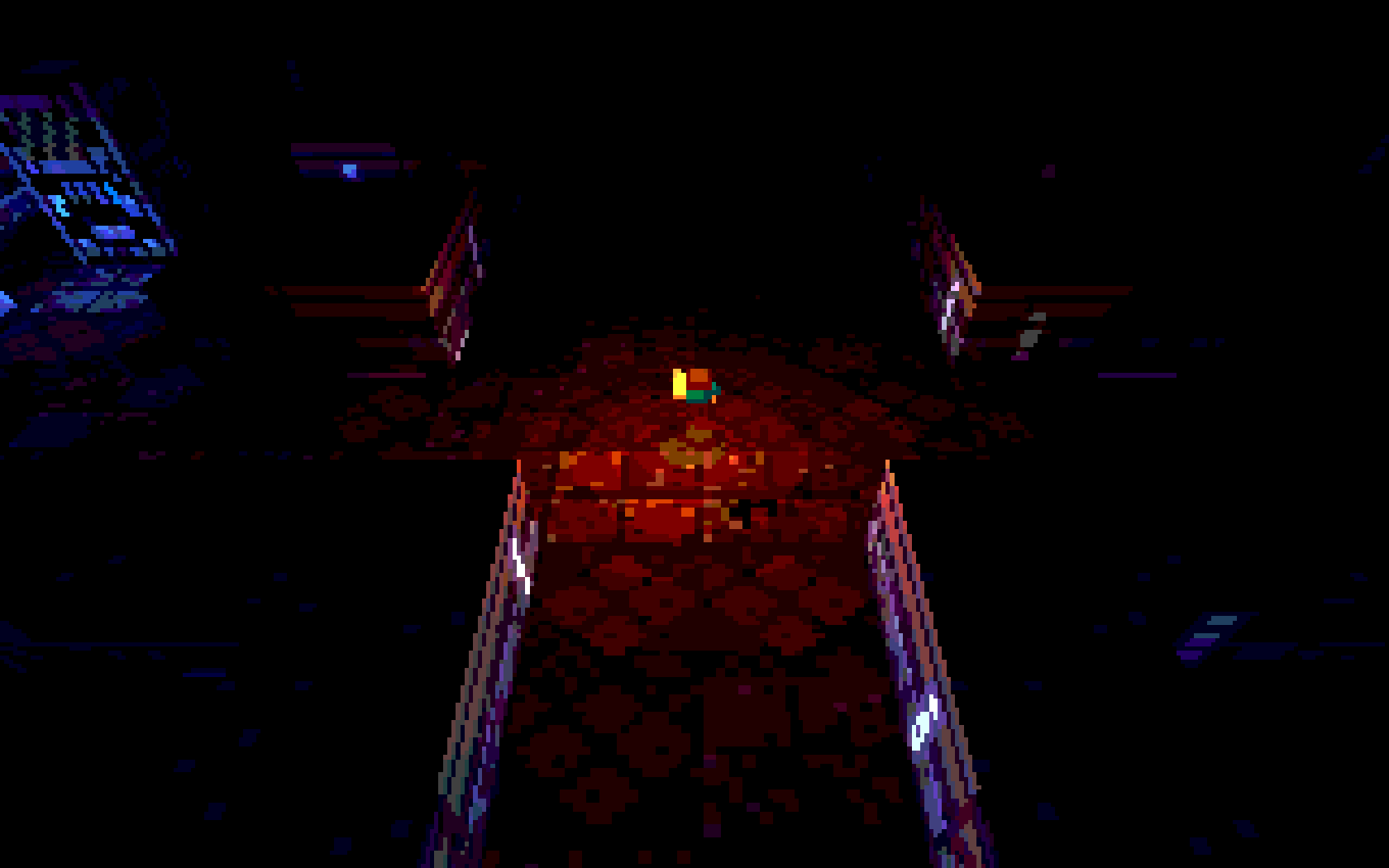
Underrun Remake
May. 2025
Original game and art by Dominic Szablewski
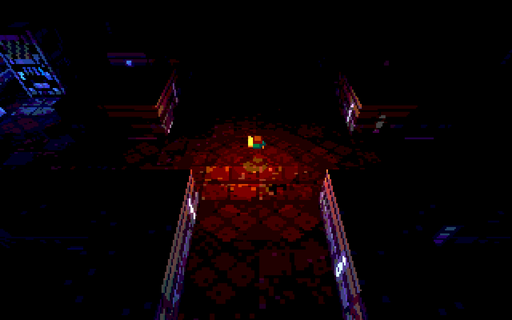 I don't remember exactly how I stumbled upon this game, but it certainly left an impression on me.
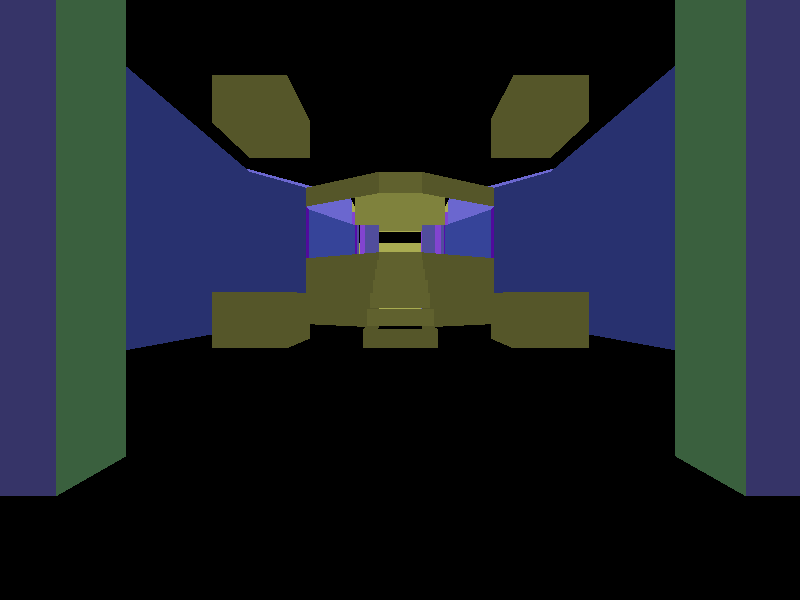
What intrigued me was the simple level format, just a .png image with color coded pixels indicating various level elements such as walls, the player, and enemies.
Around 2022, I tried writing a simple renderer for the levels, which kind of worked, but it was still fairly early in my days of learning OpenGL.
Fast forward to 2025, and I now had the experience to make an adaptation of the original game from scratch, using only the assets.
Occasionally I did use the game's original source code as a reference.
There are no enemies in my version, it's purely an exploration game, but you can shoot.
The original game can be found on this page.
Github source.
Also check out q1k3.
Fake GL
May. 2025
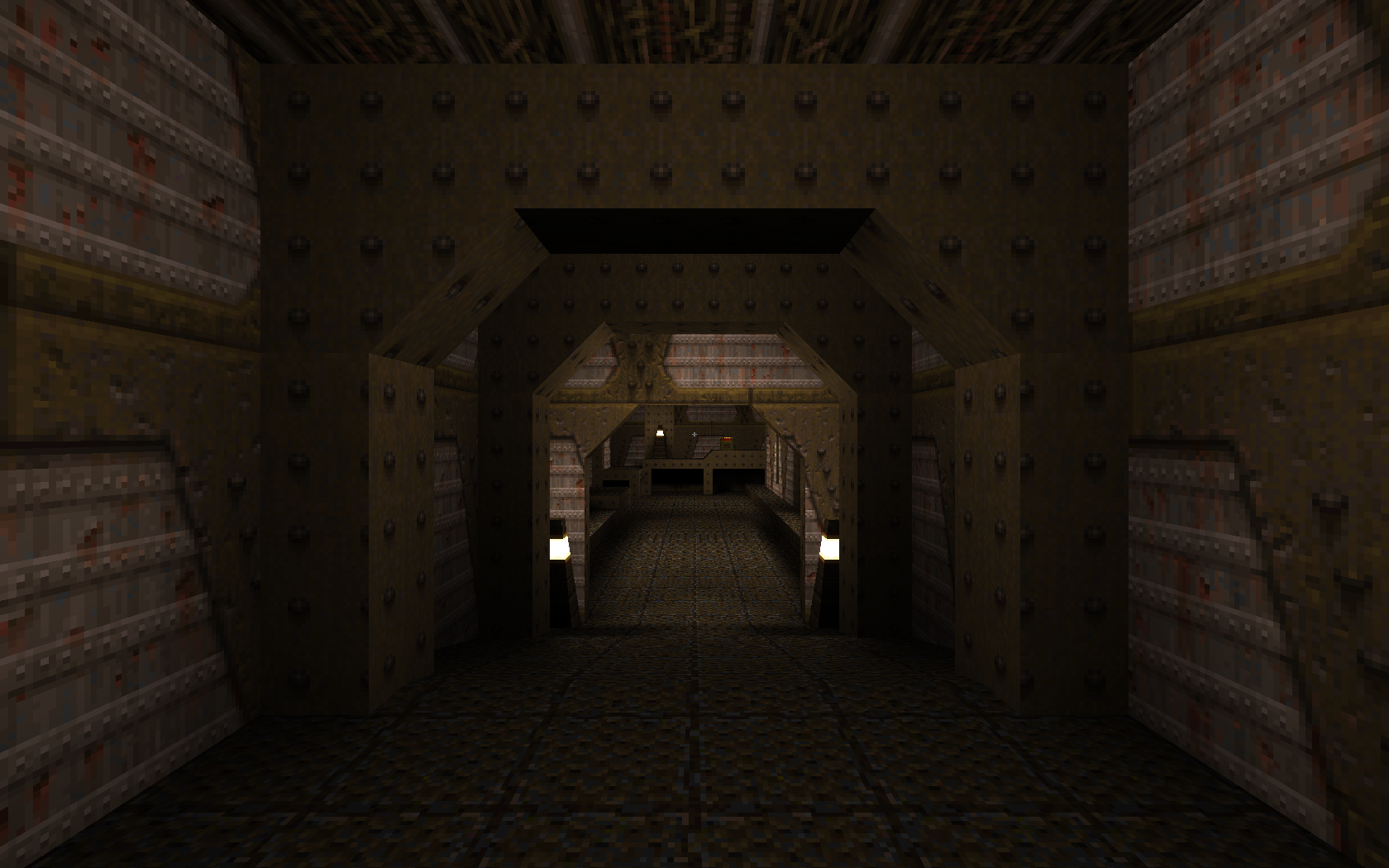
Quakespasm running completely under D3D9 with emulated OpenGL calls
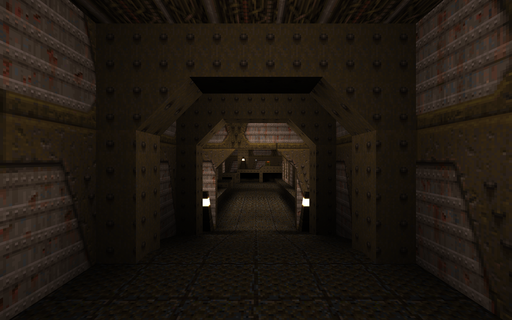 A Direct3D9 replacement for all fixed-function OpenGL calls used in the Quakespasm port of Quake.
I'm not sure if this has any practical use (Xbox port?), but it was definitely fun to write and a good excercise. At points, it almost felt like writing a simplified graphics driver. I was initially inspired after seeing gl_fakegl.c from the JoeQuake's source code.
There's no shader support, but there is support for multi-texturing to speed things up a little.
This is my second or third attempt at this kind of thing. There are two major optimizations / differences in this version compared to the previous versions.
The first, is that I used a command buffer to record all rendering commands, and deferred their execution until it was time to render (usually in GL_EndDrawing(), and once before before calling Present(). Even functions that allocate memory (typically glTexImage...) actually make a temporary copy of the pointer that they are passed, and free it only when running through the command list. This approach greatly simplified state tracking, since in my previous attempts I had to keep track of how the state of each call affected the rest of the OpenGL "state machine". The only immmediate state was the vertex submission when glVertex() was called.
The implementation is quite simple, it's simply a tagged union with the command type as its first member, and structs within for each type to serve as function arguments for further processing. See the following example:
typedef enum
{
RENDER_COMMAND_CLEARCOLOR,
RENDER_COMMAND_VIEWPORT,
// More types here...
} command_type;
typedef struct
{
command_type Type;
union
{
struct
{
uint32_t ClearColor;
} cmd_clearcolor;
struct
{
float x;
float y;
float w;
float h;
} cmd_viewport;
};
// More commands here...
} render_command;
The second optimization was batching up vertices in glBegin() / glEnd() calls. The naive approach to this would be to issue a draw call on every glEnd(), either with DrawPrimitive() or DrawPrimitiveUP(). This is the approach taken by gl_fakegl.c, and was how I did things in the first attempts. Of course, this is terribly inefficient, but for the level sizes that the original Quake offers, and the amount of geometry that is typically visible at any one time, it's actually playable without any lag (this will depend on your GPU).
The first thing I did was manually triangulate all of the vertices so that they are usable in indexed rendering with D3DPT_TRIANGLELIST. This isn't actually as slow as it sounds, and was not a bottleneck. The MSDN page on glBegin() describes how the vertices should be considered for each primitive type supported by OpenGL, and I used this for reference. When implementing GL_LINES, I had the idea of creating a degenerate triangle with [x0, y0], [x1, y1], and [x0, y0] as the vertices. To my surprise, it actually worked! GL refuses to render such an arragement of vertices, however.
The triangulation helped with keeping a uniform code path so that it was only necessary to consider one primitive type, but it wasn't enough. Larger maps still slowed the engine down to a crawl. I was determined to run the Arcane Dimensions map pack, so for every call to glEnd() I did the following:
- Flushed the command buffer
- Checked to see if any rendering state relating to presentation has changed. This includes things like matrix operations or texture binding.
- If yes, flush the vertices and issue a draw call, otherwise, continue batching
This optimization saved on hundreds, if not thousands of redunant draw calls, and allowed the smaller of the Arcane Dimension maps to run without lag.
The larger maps still suffered frame drops, because I was still issuing thousands of DrawPrimitive() calls even in the best cases.
Software Skinning Demo
May. 2025
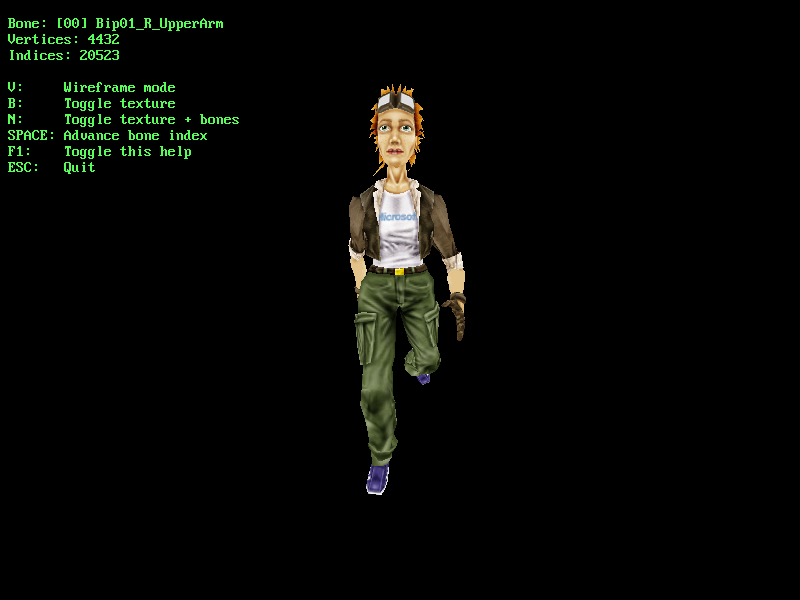
'tiny.x' model from Microsoft's D3D SDK. Based on Etay Meiri's OpenGL skinning tutorials
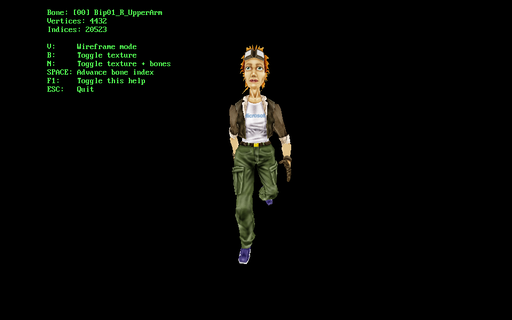 After I implemented a version of GPU skinning, I wanted to see how it would perform if I did everything in software only.
Turns out, skinning even one model using the method described in the tutorial was a major CPU bottleneck, using roughly ~40-45% of a single core on my 3.1 GHz CPU. After this exercise, I have a lot more respect for the programmers that implemented skeletal animation in software before the advent of GPU skinning.
D3D9 Terrain Demo
May. 2025
Based on 'Chapter 18 - Props' from Frank Luna's D3D9c tutorials
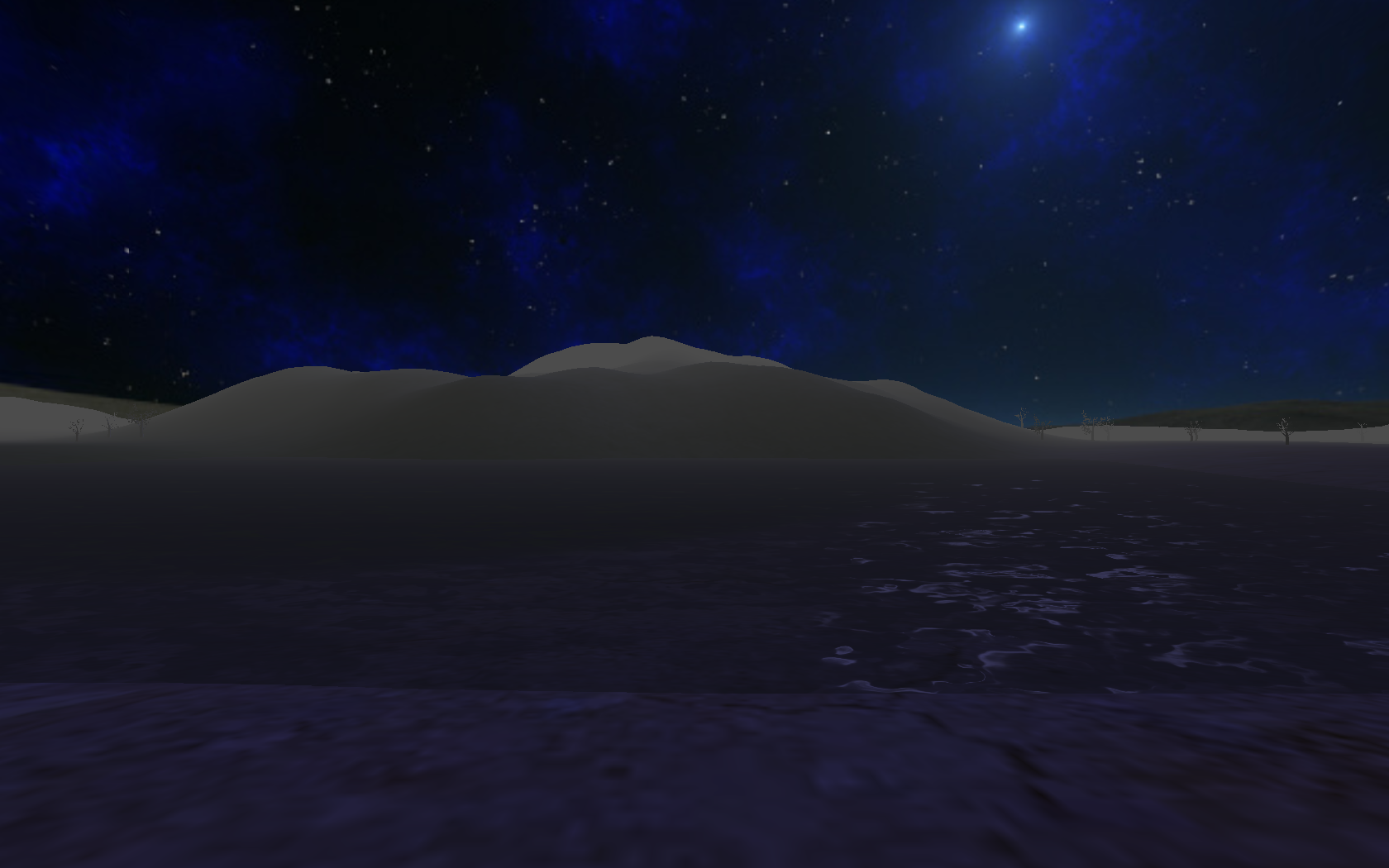
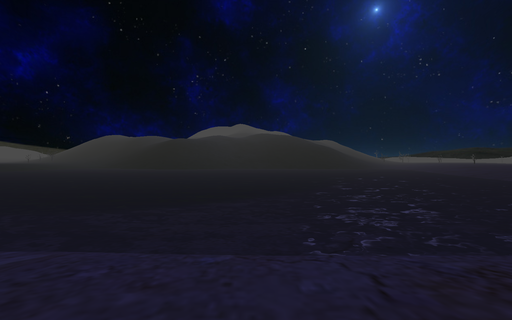 Several years ago I first learned DX9 with Frank Luna's excellent D3D9 tutorials.
The main difference back then was that I had no idea that the DirectX SDK was a thing, and I effectively programmed with little to no documentation, using only the header files and existing code as a reference.
After installing the documentation files from the SDK, I was in a much better position to try this series again.
I didn't want to start from the very beginning, so I focused on Chapter 17 and 18's content.
This demo features:
* First person camera
* Frustum culling
* Environment mapping
* Per-object materials and textures
* Ambient, specular, and diffuse lighting,
* Water effects, water ripples as the player moves through water
* Fog
You can get the 2010 version of the SDK here
Doom Viewer
May. 2025
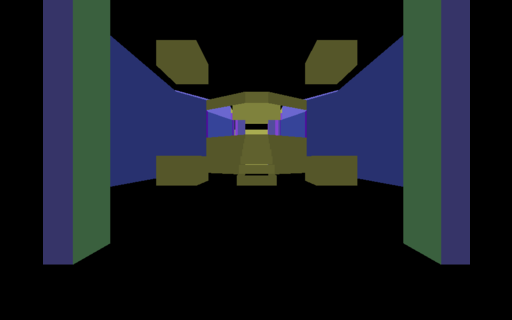
Basic Doom level viewer, rendered with OpenGL. Inspired by this playlist by Coder Space
Source BSP Viewer
May. 2025
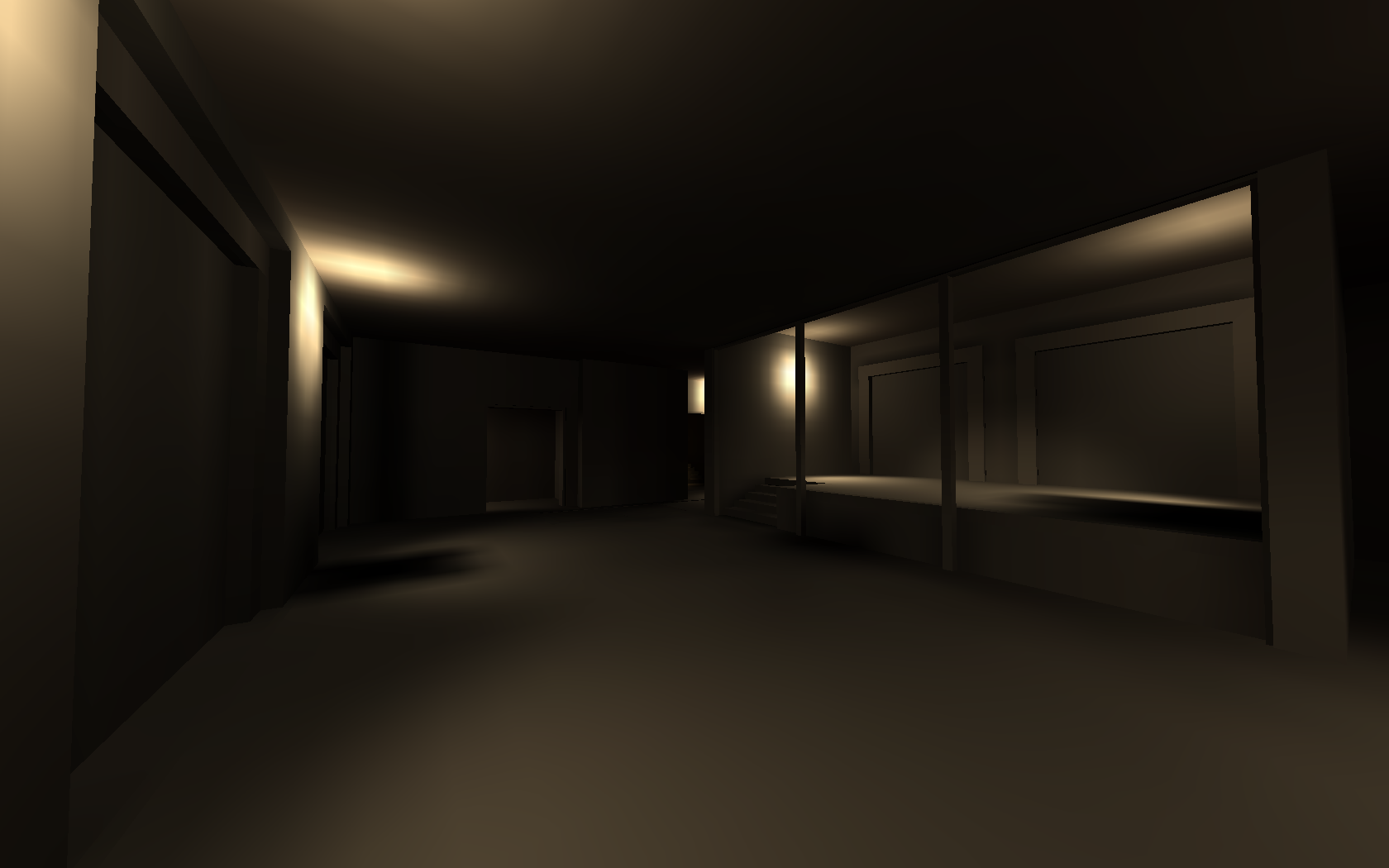
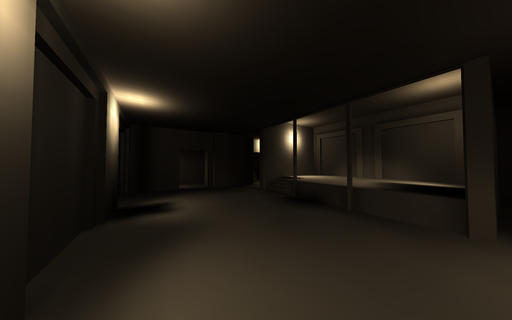
de_train_old.bsp
Operating System
Mar. 2025
ELF based x86 operating system
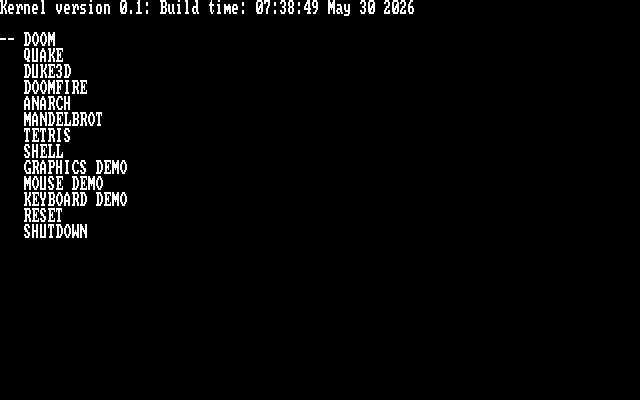
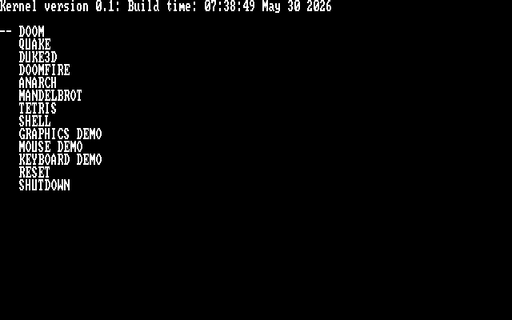 A fully custom 32-bit operating system written from scratch. Think a very simplified DOS.
What this has:
* GRUB bootloader
* 640x400 RGB framebuffer
* PS2 keyboard support
* Soundblaster-16 16-bit audio support (mono and stereo) using auto-initialization mode
* Very simple exec model. Only a single process may run at a time
* Runtime dynamic linking
* Console-style main menu
* Basic shell for executing commands
* Virtual file system (everything is effectively loaded into RAM from the disk image)
Noteable software ported:
* Doom
* Quake I
* Duke Nukem 3D
This OS was primarily worked on between the months of March 2025 and September 2025. It was compiled with a custom build of GCC, and tested in QEMU.
File Server
Feb. 2025
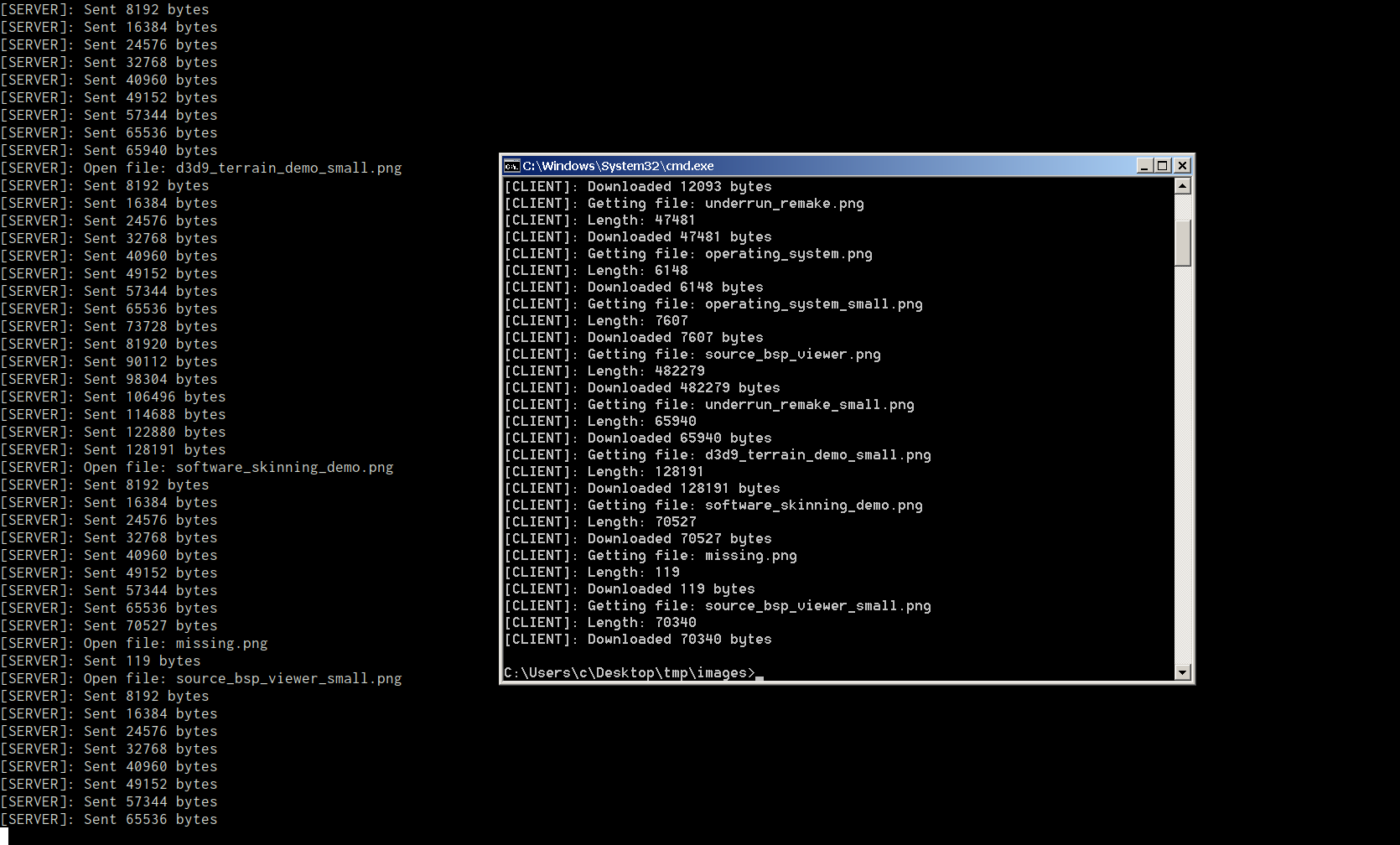
Shows file transfers happening over LAN on two different computers. The screenshots were later combined for this image
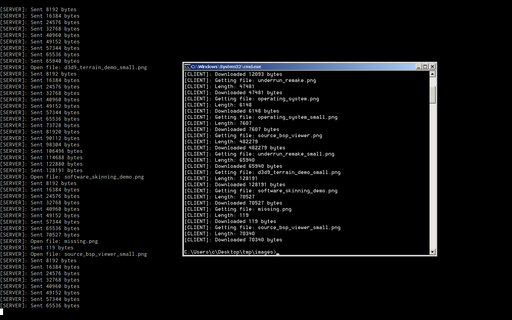 A custom client-server program that recursively transfers an entire directory over LAN (ethernet, no router required).
I initially wrote this to speed up testing cross-compiled builds from Linux to Windows without needing to transfer things over USB, or use ssh, though this program has since found other uses. There's currently a bug that breaks things when hidden folders are transfered.
A newer, less buggy Python version has since been written that serves a similar purpose.
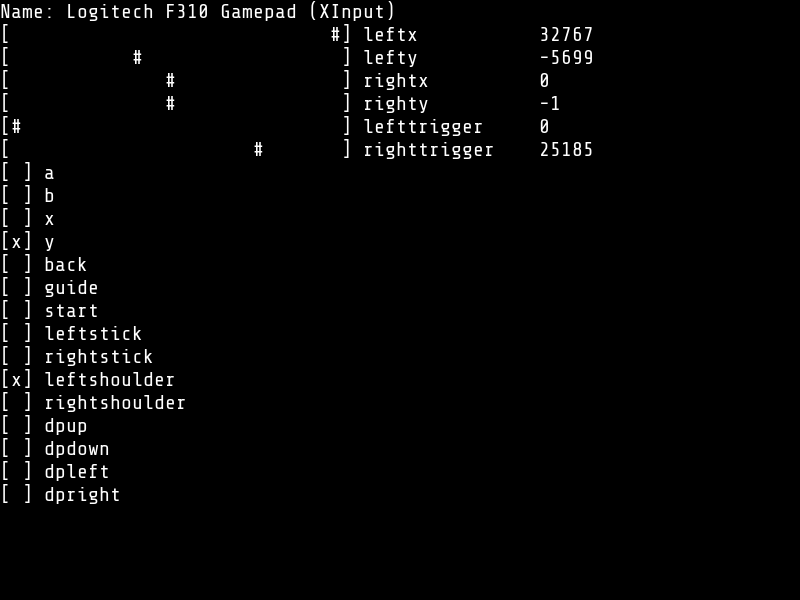
Controller Test Utility
Jan. 2025
Uses the SDL_GameController API (SDL2)
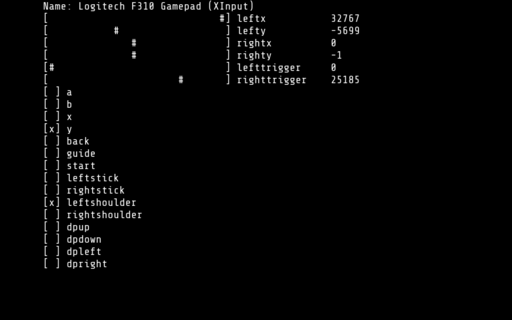 Simple diagnostic utility for game controllers written using SDL and C.
It can display the output both to the console, or to a regular graphical window.
I wrote this utility while adding controller support for the NES Emulator.
DCPU-16 Emulator
Jan. 2025
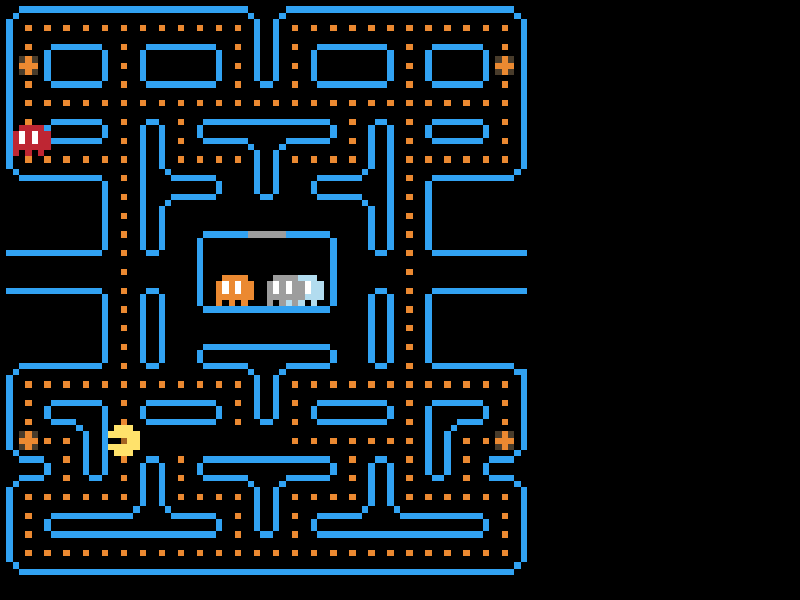
Inspired by this video by Joel Yliluoma
 Yet another emulator! I was still fresh from working on the NES emulator, and wanted another challenge. Thankfully, Bisqwit had just the video.
This one is based on the DCPU-16, a theoretical CPU specification that was to be used in an upcoming game by Mojang named 0x10c which unfortunately never saw the light of day, although some early footage of the game still remains. However, some documents from the game, such as these specifications survived, and people got to work implementing emulators and software for it.
The emulator is clocked at 2000 cycles per frame, @60 frames per second. In effect, this works out to a 120KHz clock.
The binary for the pacman game can be found here
Many thanks to Bisqwit for having his source code published. I had some difficulties getting the sprite rendering to work, and his code was what I turned to when things weren't working.
NES Emulator
Jan. 2025
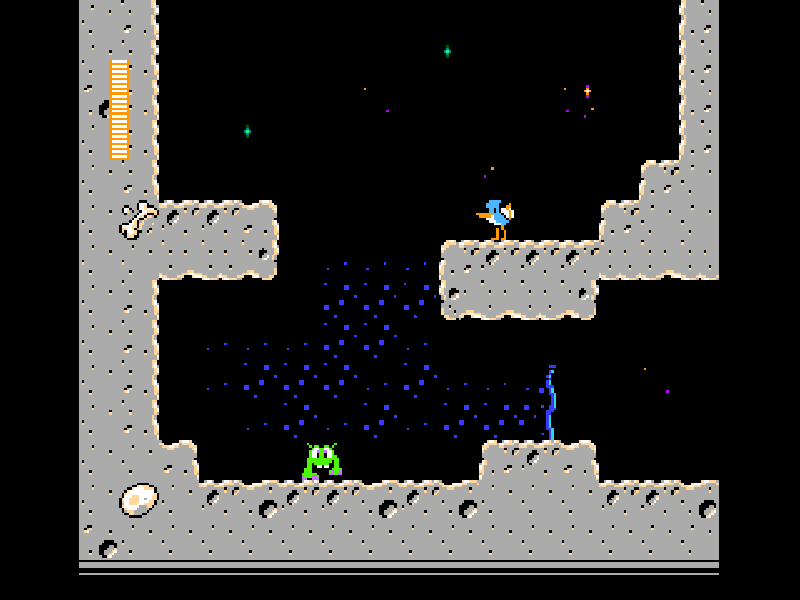
Space Gulls 1.1 by Morphcat Games. Emulator based on this series by David Barr
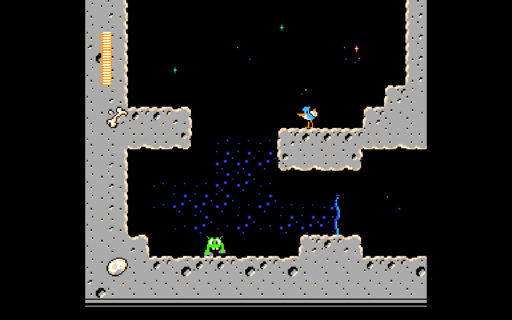 Fully working NES emulator, with sound and game controller support.
Written while following this tutorial series by David Barr.
Supports the following mappers:
* 000 NROM
* 001 MMC1
* 002 UNROM
* 003 CNROM
* 004 MMC3
* 007 AxROM
* 030 UNROM 512
* 066 GxROM
* 069 SUNSOFT FME-7
* 113 HES NTD-8
Morrowind Model Viewer
Jan. 2025
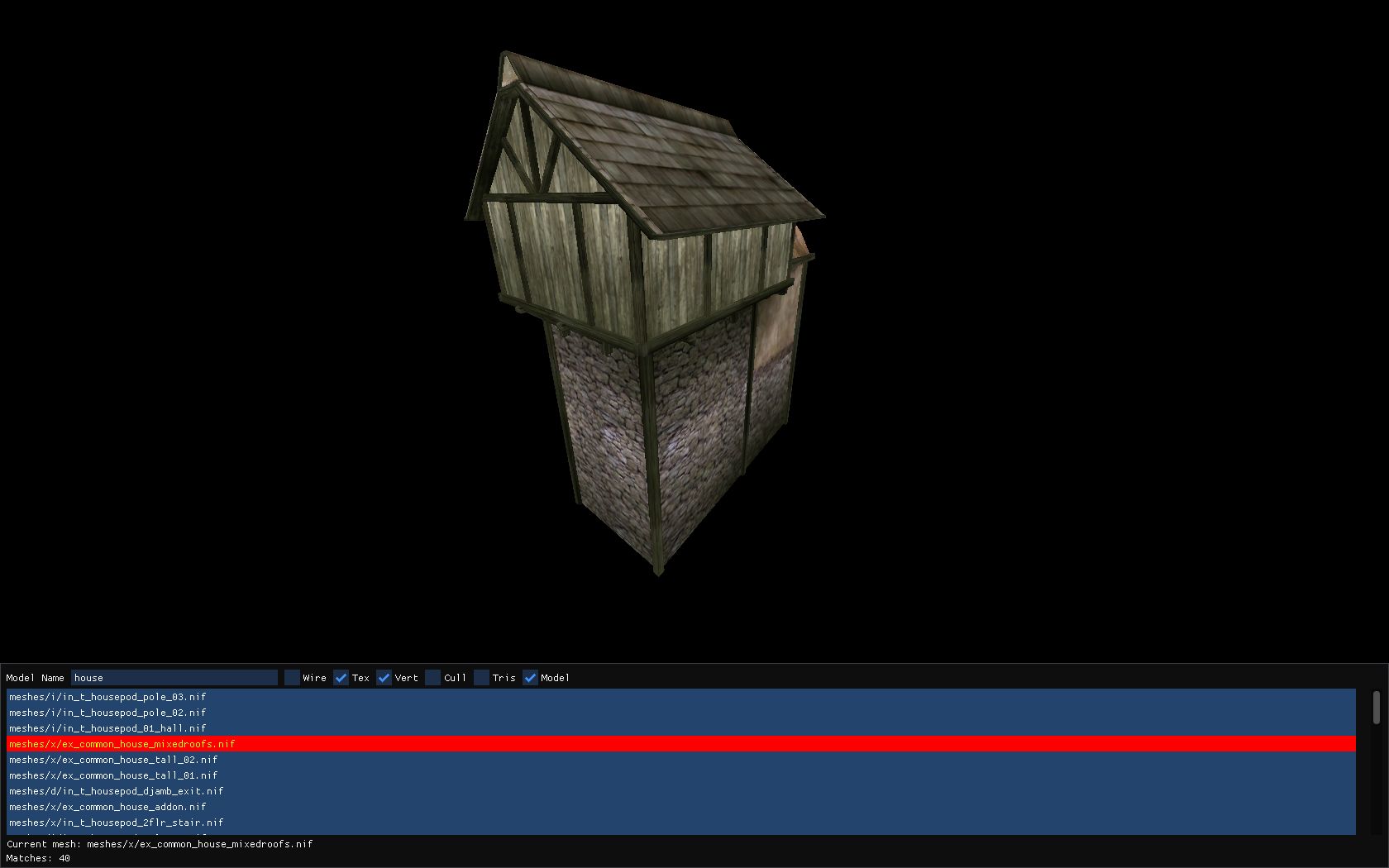
Model viewer for The Elder Scrolls III: Morrowind
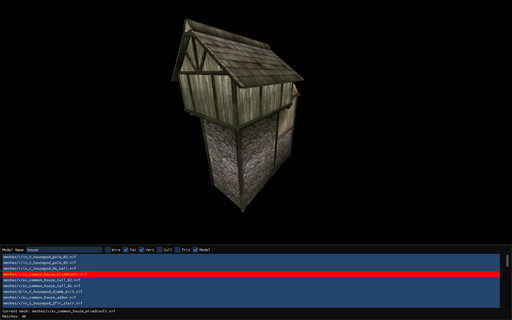 I first played Morrowind around the year 2004. It was a demo version that I remember quite fondly. I never got very far into the game, maybe as far as Balmora, but I had no real understanding of the game yet.
Fast forward to roughly 2022, and I re-played it again, several times in fact.
A little while later I became interested in the binary formats that games stored their data in, having just previously finished the Quake/Half-Life BSP viewer, so I decided to give decoding the .bsa format a go.
At first, I got as far as reading the directory structure of a .bsa file. This included the file names, and the data that they referred to. Rendering anything at all was still seemingly far away.
After a short break, I started poking around the NIF file format by examining random models in a text editor. Then, with the aid of a program called NifSkope, I slowly pieced together the binary format of the file. This included a lot of trial and error, but I got something usable at the end.
I should note that the parsing of the model file is by no means complete. For more complicated models that include geometry in different coordinate systems, things can visually break, but for most basic models, the parser is usually sufficient.
Back to top